
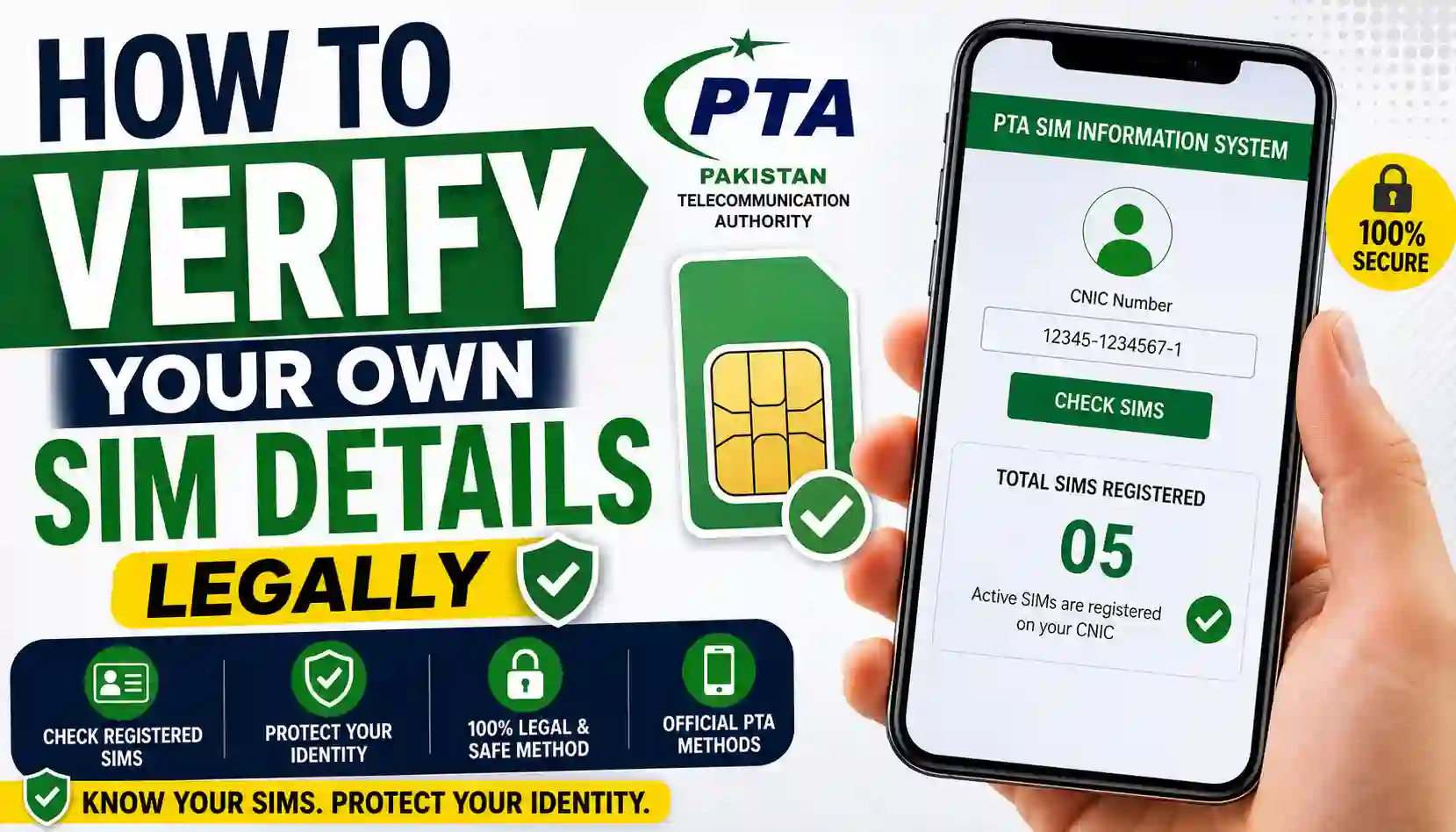
Learn How To Verify Your Own Sim Details Legally in Pakistan using official PTA-approved methods. Check SIM ownership, required documents, benefits, and safe verification steps online.
In today’s digital world, mobile SIM cards are connected to banking apps, social media accounts, and personal communication. That is why knowing How To Verify Your Own Sim Details Legally is very important for every mobile user in Pakistan.
Many people want to confirm how many SIMs are registered on their CNIC or check whether unknown numbers are linked to their identity. The good news is that the Pakistan Telecommunication Authority (PTA) provides safe and legal ways to verify your SIM details without breaking privacy laws.
This guide explains everything in a simple and easy way, including official methods, required documents, benefits, and safety tips.
Basic Information Table
| Information | Details |
|---|---|
| Focus Topic | How To Verify Your Own Sim Details Legally |
| Country | Pakistan |
| Authority | PTA (Pakistan Telecommunication Authority) |
| Verification Method | Online Portal / SMS |
| Required Document | Valid CNIC |
| Purpose | Check SIMs registered on your CNIC |
| Legal Status | Fully Legal Through PTA Methods |
| Official Website | PTA SIM Information System |
Overview of SIM Verification in Pakistan
SIM verification means checking the mobile numbers officially registered under your Computerized National Identity Card (CNIC). This process helps users:
- Protect personal identity
- Detect unauthorized SIM cards
- Prevent fraud and misuse
- Keep mobile records secure
PTA introduced biometric verification systems to improve telecom security across Pakistan. Because of this, every SIM card must be linked with a valid CNIC.
Users should only use official and legal methods for SIM verification. Accessing someone else’s private data without permission is illegal and against PTA rules.
Why SIM Verification Is Important
Many people ignore SIM verification until they face a problem. However, regularly checking your SIM details can help you stay safe.
Main Reasons to Verify Your SIM Details
- Find unknown SIMs registered on your CNIC
- Prevent identity misuse
- Improve account security
- Avoid legal complications
- Manage active mobile connections easily
If a SIM is registered in your name without your knowledge, it can create serious problems later. That is why checking your records through PTA-approved methods is a smart habit.
Official PTA Methods to Verify SIM Details
Pakistan Telecommunication Authority provides safe and legal verification options for users.
1. Verify Through PTA SIM Information System
The easiest method is using the official PTA SIM Information System.
Official Website: PTA SIM Information System
Steps to Use the Portal
- Open the official PTA website
- Enter your CNIC number
- Complete the verification process
- View the total number of SIMs registered on your CNIC
This method is free, secure, and fully legal.
2. Verify SIMs Through SMS
You can also check registered SIMs using SMS.
Steps:
- Open your mobile messaging app
- Type your CNIC number without dashes
- Send it to 668
- You will receive details of active SIMs linked to your CNIC
Standard SMS charges may apply.
Required Documents for SIM Verification
Before checking your SIM details, make sure you have the following:
| Required Item | Purpose |
|---|---|
| Valid CNIC | Identity verification |
| Registered Mobile Number | Account confirmation |
| Internet Access | For online verification |
| Mobile Balance | For SMS method |
Always use your own CNIC information while verifying SIM records.
Benefits of Legal SIM Verification
Using legal methods to verify your SIM details provides many advantages.
Better Security
You can quickly detect unauthorized numbers registered under your CNIC.
Peace of Mind
Knowing your mobile records are correct reduces stress and confusion.
Fraud Prevention
Illegal SIM usage can create legal and financial problems. Regular verification helps prevent this.
Easy SIM Management
You can manage unused or extra SIMs more effectively.
PTA Compliance
Following official PTA procedures keeps your telecom activities legal and secure.
PTA Policies You Should Follow
When learning How To Verify Your Own Sim Details Legally, it is important to understand PTA policies.
Important PTA Guidelines
- Only check SIMs registered under your own CNIC
- Never access another person’s private telecom data
- Use only official PTA-approved platforms
- Avoid fake SIM databases or illegal tracking tools
- Report suspicious SIM activity to your mobile operator
Unauthorized access to someone else’s information may violate privacy laws and telecom regulations in Pakistan.
Safety Tips While Checking SIM Details
Many fake websites claim to provide SIM owner information. Be careful while using online services.
Follow These Safety Tips
- Use only official PTA platforms
- Never share CNIC details on unknown websites
- Avoid downloading suspicious apps
- Do not trust illegal SIM tracking claims
- Keep your mobile information private
For safe telecom information and helpful guides, visit Sim Owner Verify for educational content and updates.
Contact Details Table
| Organization | Contact Information |
|---|---|
| PTA Helpline | 0800-55055 |
| PTA Official Website | Pakistan Telecommunication Authority |
| SMS Verification Code | 668 |
| Mobile Network Support | Contact your telecom operator |
Common Mistakes People Make
Many users accidentally follow unsafe practices while trying to verify SIM details.
Avoid These Mistakes
- Using illegal tracking tools
- Sharing CNIC screenshots publicly
- Believing fake “live tracker” websites
- Trying to access private data without permission
- Ignoring unknown SIM registrations
Always remember that legal verification protects both your privacy and security.
How Many SIMs Can Be Registered on One CNIC?
According to PTA regulations, a Pakistani citizen can register multiple SIMs under one CNIC within the allowed telecom limits.
However, users should regularly monitor active numbers to avoid misuse.
What To Do If You Find Unknown SIMs?
If you notice unknown SIM cards linked to your CNIC:
Follow These Steps Immediately
- Contact your mobile network operator
- Visit the nearest franchise
- Request SIM blocking if needed
- Update biometric verification
- Report suspicious activity to PTA
Quick action can prevent future problems.
Internal and External Resources
Internal Resource
External Official Resource
FAQs About How To Verify Your Own Sim Details Legally
Is it legal to check SIMs registered on my CNIC?
Yes, it is completely legal if you use official PTA-approved methods to check SIMs registered under your own CNIC.
Can I check someone else’s SIM details?
No. Accessing another person’s telecom information without permission is illegal and against PTA privacy rules.
Is the PTA SIM Information System free?
Yes, the official PTA SIM Information System is free for users.
What is the SMS code for SIM verification?
You can send your CNIC number to 668 to check registered SIM information.
Why should I regularly verify my SIM details?
Regular verification helps detect unauthorized SIMs and protects your identity from misuse.
Are online SIM tracking websites safe?
Many unofficial websites are unsafe or misleading. Always use official PTA-approved platforms only.
Final Words
Understanding How To Verify Your Own Sim Details Legally is essential for every mobile user in Pakistan. SIM verification not only protects your identity but also helps you stay compliant with PTA regulations.
Always use official methods, keep your CNIC information secure, and regularly monitor your registered SIMs. A few minutes of verification can help prevent fraud, privacy issues, and future legal problems.
Explore More Helpful Guides
Want more telecom tips, SIM verification guides, and useful online tools? Visit Sim Owner Verify and explore the latest informative content designed for Pakistani mobile users.
