
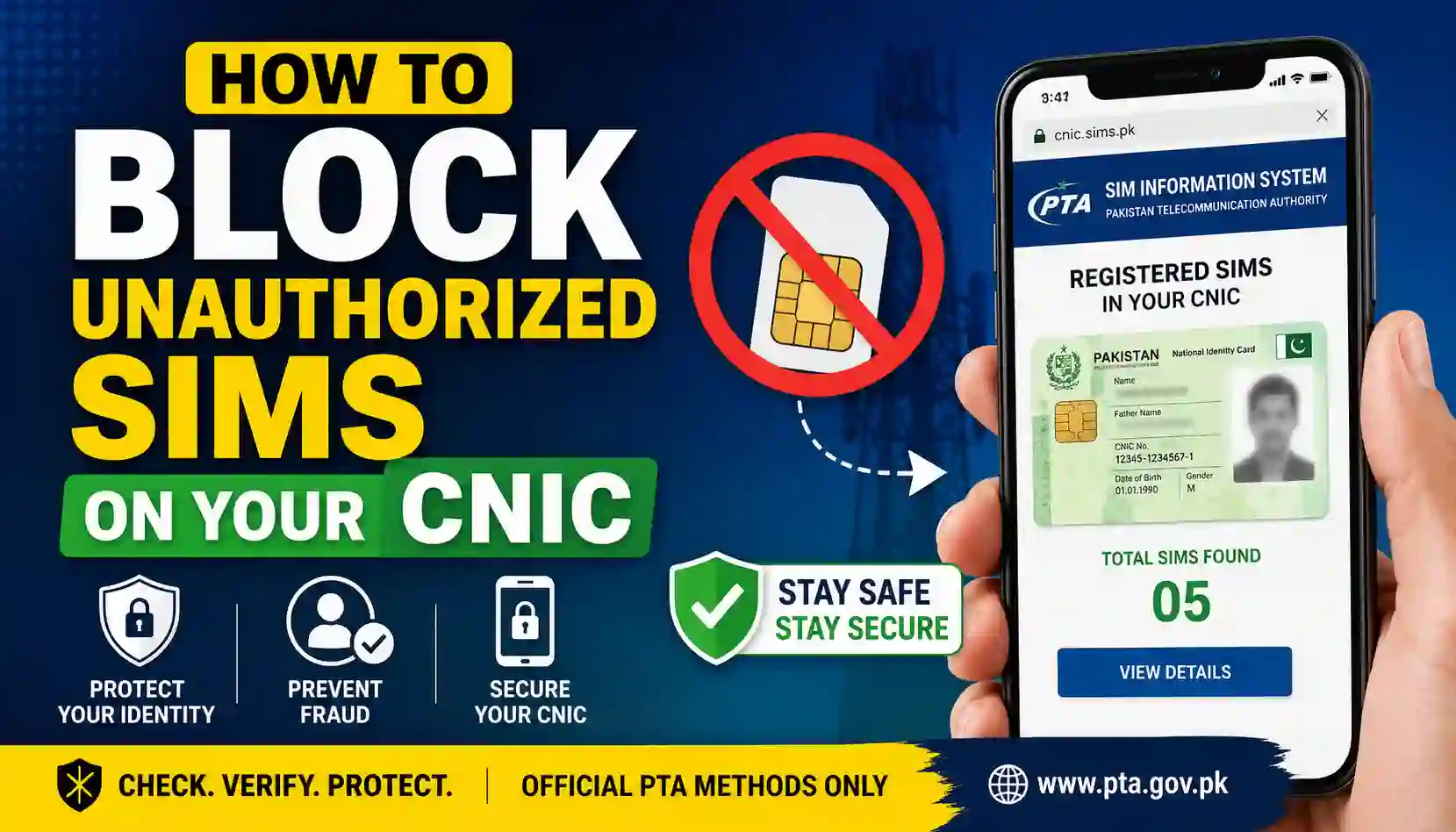
Learn How To Block Unauthorized Sims on Your CNIC in Pakistan using official PTA methods. Step-by-step guide, required documents, benefits, FAQs, and PTA contact details explained in simple words.
Many people in Pakistan are unaware that extra SIM cards may be registered against their CNIC without permission. These unauthorized SIMs can create serious problems, including fraud, scams, and misuse of your identity. That is why it is very important to regularly check the number of SIMs registered on your CNIC and block any unknown numbers immediately.
In this complete guide, you will learn How To Block Unauthorized Sims on Your CNIC using safe and official methods approved by the Pakistan Telecommunication Authority (PTA). This article follows PTA policies and provides only informational guidance for users.
If you want to stay safe and protect your identity, this guide is for you.
Basic Information Table
| Details | Information |
|---|---|
| Focus Topic | How To Block Unauthorized Sims on Your CNIC |
| Country | Pakistan |
| Authority | Pakistan Telecommunication Authority (PTA) |
| Official System | SIM Information System |
| Main Purpose | Block unknown SIMs registered on CNIC |
| Verification Needed | CNIC and biometric verification |
| Official Website | PTA SIM Information System |
| Suitable For | All Pakistani mobile users |
What Are Unauthorized SIMs?
Unauthorized SIMs are mobile numbers registered against your CNIC without your knowledge or permission. Sometimes these SIMs are activated due to:
- Identity misuse
- Lost CNIC copies
- Fraudulent registration
- Illegal SIM activation
- Unverified retailers
If such SIMs are used in illegal activities, the registered CNIC holder may face complications. This is why users should regularly monitor their SIM records.
How To Check SIMs Registered on Your CNIC
Before blocking unauthorized SIMs, you first need to check how many SIMs are linked to your CNIC.
You can check this through the official PTA SIM Information System.
Official Website:
PTA SIM Information System
Steps to Check SIMs
- Open the official PTA SIM Information website.
- Enter your CNIC number without dashes.
- Complete the verification code.
- Click the submit button.
- The system will display all active SIMs registered under your CNIC.
If you notice any unknown number or extra SIM, you should block it immediately.
How To Block Unauthorized Sims on Your CNIC
Blocking unauthorized SIMs is simple if you follow the correct process.
Method 1: Visit Franchise or Service Center
This is the safest and most recommended method.
Follow These Steps
- Visit your mobile network’s official franchise or service center.
- Carry your original CNIC.
- Request details of the unknown SIM.
- Ask the representative to block or deactivate unauthorized numbers.
- Complete biometric verification if required.
This process usually takes a few minutes.
Method 2: Contact Your Mobile Network Helpline
You can also contact your SIM network’s support team for guidance.
Major Telecom Operators in Pakistan
- Jazz
- Zong
- Ufone
- Telenor
- SCO
The support team may guide you about:
- SIM ownership
- Blocking requests
- Verification process
- Complaint registration
Required Documents
You may need the following documents while requesting SIM blocking:
| Required Document | Purpose |
|---|---|
| Original CNIC | Identity verification |
| Registered Mobile Number | Account confirmation |
| Biometric Verification | Security confirmation |
| SIM Details (if available) | Faster processing |
Always provide accurate information during verification.
Benefits of Blocking Unauthorized SIMs
Blocking unknown SIMs linked to your CNIC offers many important benefits.
1. Better Security
It protects your identity from misuse and unauthorized activities.
2. Fraud Prevention
Unknown SIMs are sometimes used in scams or suspicious activities. Blocking them reduces risk.
3. Improved Privacy
Your personal information remains safer and more secure.
4. PTA Compliance
Keeping only authorized SIMs on your CNIC helps you follow PTA regulations.
5. Peace of Mind
You stay confident knowing that no unknown number is connected to your identity.
PTA Policies Regarding SIM Registration
The Pakistan Telecommunication Authority has strict policies for SIM registration and biometric verification.
Important PTA Guidelines
- Every SIM must be biometrically verified.
- Users should never share CNIC copies unnecessarily.
- SIMs should only be purchased from authorized franchises.
- PTA allows users to check registered SIMs online.
- Unauthorized or suspicious SIMs should be reported immediately.
For official information, visit:
Pakistan Telecommunication Authority (PTA)
Tips to Protect Your CNIC from SIM Misuse
Here are some useful safety tips:
- Never share your CNIC copy with unknown persons.
- Avoid purchasing SIMs from unauthorized sellers.
- Regularly check SIMs registered on your CNIC.
- Report lost CNIC cards immediately.
- Keep your personal information private.
- Use only verified telecom service centers.
Small precautions can help prevent major problems.
Contact Details Table
| Organization | Contact Method | Details |
|---|---|---|
| PTA | Official Website | https://www.pta.gov.pk/ |
| PTA SIM Information System | Online Portal | https://cnic.sims.pk/ |
| Sim Owner Verify | Information Website | https://simownerverify.com/ |
For more helpful telecom-related guides, visit
Sim Owner Verify
Internal and External Links
Internal Link
External Official Link
Common Mistakes to Avoid
Many users make mistakes while managing SIM registrations.
Avoid These Errors
- Ignoring unknown SIM registrations
- Sharing CNIC photos publicly
- Using unverified SIM sellers
- Delaying SIM blocking requests
- Trusting fake online SIM detail websites
Always use official PTA-approved methods only.
FAQs – How To Block Unauthorized Sims on Your CNIC
Can I block unauthorized SIMs online?
You can check SIM records online through PTA, but blocking usually requires visiting a franchise or service center for verification.
Is biometric verification necessary?
Yes, biometric verification may be required for security purposes and identity confirmation.
How often should I check SIMs on my CNIC?
It is recommended to check every few months to ensure no unknown SIM is registered.
What should I do if I find an unknown SIM?
Immediately contact your telecom operator or visit an official franchise to request deactivation.
Is checking SIMs on PTA website safe?
Yes, the official PTA SIM Information System is safe and designed for public verification.
Final Words
Understanding How To Block Unauthorized Sims on Your CNIC is very important for every mobile user in Pakistan. Unauthorized SIMs can create security risks and identity problems if ignored. Thankfully, PTA provides official systems and guidelines to help users manage their SIM registrations safely.
Always use official PTA platforms and authorized telecom franchises when checking or blocking SIMs. Protecting your CNIC information is one of the best ways to stay secure in today’s digital world.
Explore More Helpful Guides
Want more useful telecom and SIM verification guides in Pakistan? Visit
Sim Owner Verify
and explore the latest informative articles, safety tips, and PTA-related updates.
